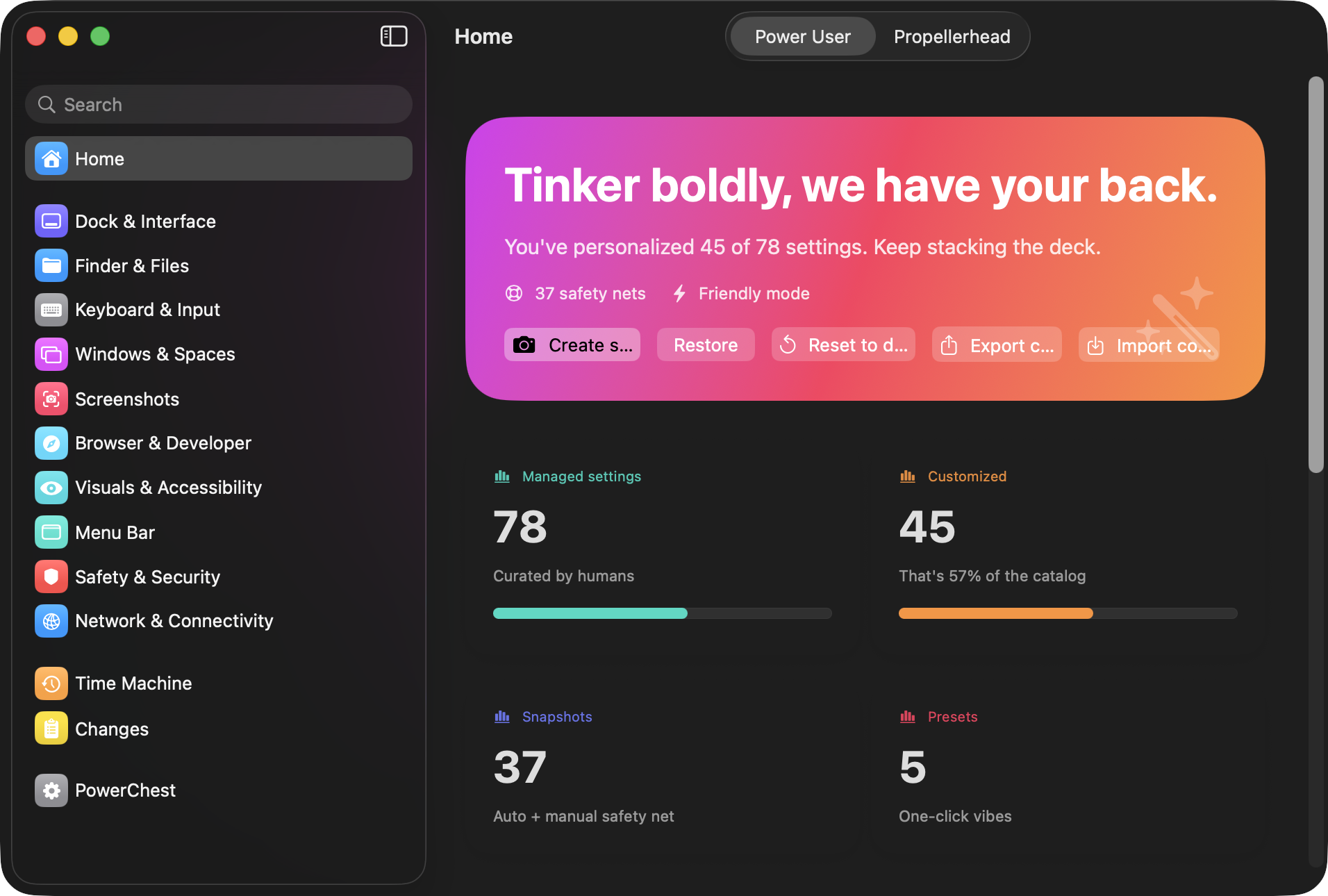
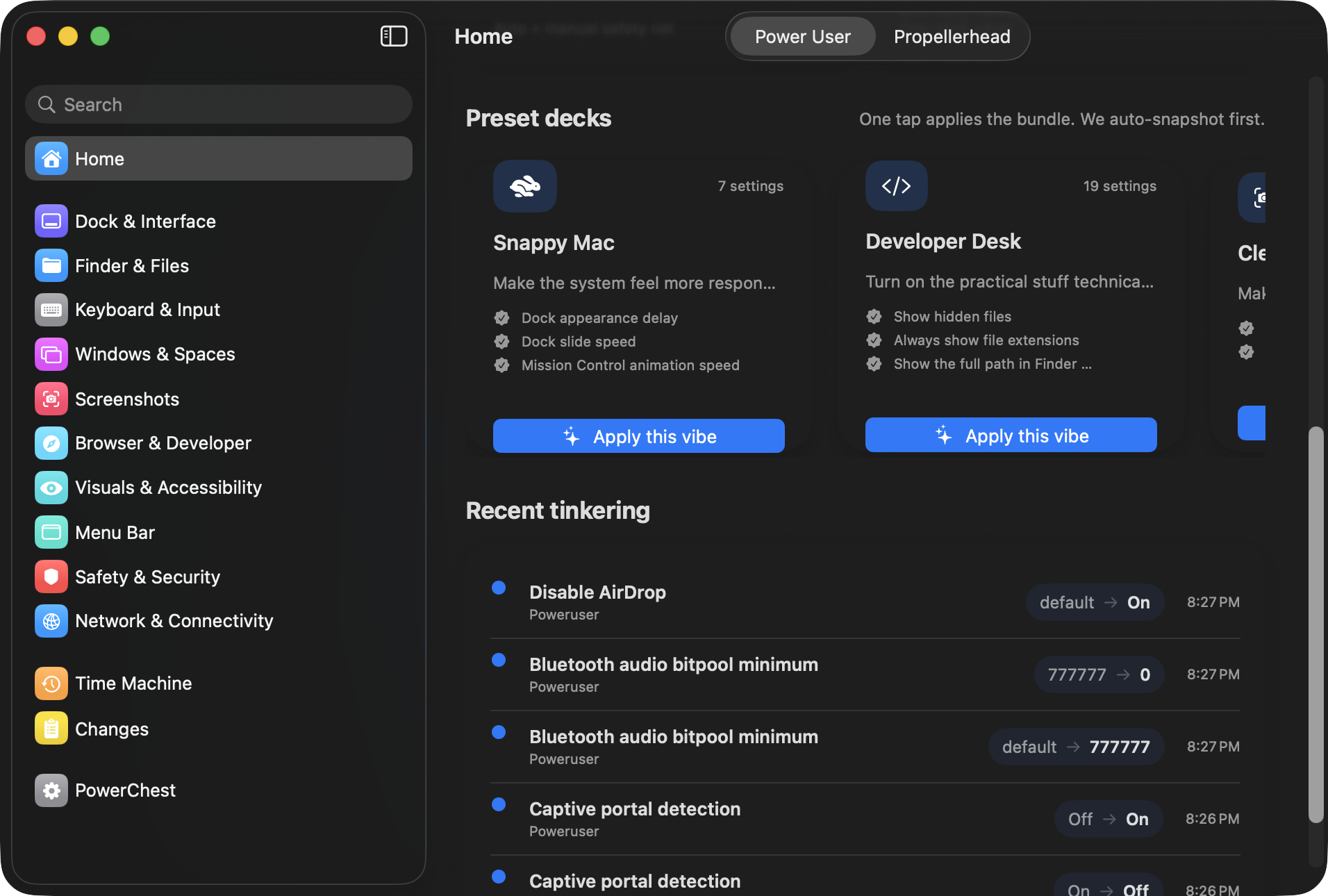
Every setting in the catalog.
159 macOS settings across 11 categories. Every one tested on macOS 26 Tahoe, documented, and reversible.
🔍 Finder & Files
Control how Finder displays files, handles extensions, and manages folders.
Show hidden files
Always show file extensions
Show path bar
Show status bar
Keep folders on top
Full POSIX path in title bar
New Finder window location
Show ~/Library folder
Skip extension change warning
Skip empty Trash warning
Allow quitting Finder
Save to local disk by default
Folder spring-loading delay
Disable .DS_Store on network volumes
Disable .DS_Store on USB drives
Default search scope
Preferred view style
Auto-resize columns in Column View
Hide desktop icons
Auto-empty Trash after 30 days
External drives on desktop
Internal drives on desktop
Network servers on desktop
Removable media on desktop
Open folders in tabs
Toolbar icon rollover delay
▣ Dock & Interface
Dock speed, size, position, window behavior, scroll bars, and app behavior.
Dock icon size
Dock position (left/bottom/right)
Dock auto-hide delay
Dock auto-hide animation speed
Hide recent apps from Dock
Show only open apps in Dock
Minimize windows into app icon
Minimize animation (genie/scale)
Title bar double-click action
Scroll bar visibility
Expand Save dialogs by default
Expand Print dialogs by default
Dock magnification
Dock magnified size
Bouncing launch animation
Process indicator dots
Hidden app translucency
Spring-load all Dock items
App Switcher on all displays
Scroll to show app windows
Sidebar icon size
Scroll bar click behavior
⌨ Keyboard & Input
Key repeat, accent popup, autocorrect, smart punctuation, and mouse acceleration.
Key repeat instead of accent popup
Key repeat rate
Initial key repeat delay
Disable smart quotes
Disable smart dashes
Disable auto-capitalization
Disable auto-correct
Disable double-space period
Tab through all UI controls
Disable mouse acceleration
Mouse acceleration curve (-1 to 3)
Disable autofill heuristic (fix Electron lag)
Inline predictive text
Fn/Globe key action
F1-F12 as function keys
Language indicator
Tap to click
Three-finger drag
Disable force click
Haptic feedback
Click pressure
Force click pressure
Tracking speed
▦ Windows & Spaces
Mission Control, Spaces ordering, window grouping, and multi-display behavior.
Keep Spaces in fixed order
Group windows by app in Mission Control
Mission Control animation speed
Stage Manager animation speed
Enable Stage Manager
Auto-hide Stage Manager strip
Click wallpaper to show desktop
Snap windows to edges
Option-key tiling
Drag to top to fill screen
Tiled window margins
Hide desktop icons (Stage Manager)
Hide all desktop icons
Switch Space on activate
Window tabbing mode
Drag windows from anywhere
Keep windows on quit
Save prompt on close
Hot corner: top-left
Hot corner: top-right
Hot corner: bottom-left
Hot corner: bottom-right
📷 Screenshots
Where screenshots go, what format they use, and how they look.
Screenshot save location
Screenshot format (PNG/JPG/TIFF/PDF)
Disable window shadow in screenshots
Disable floating thumbnail
Custom filename prefix
Date in filenames
Remember last selection
👁 Visuals & Accessibility
Transparency, contrast, motion, cursor size, and font rendering.
Disable Liquid Glass (Tahoe)
Hide menu dropdown icons (Tahoe)
Increase contrast
Reduce motion
Font smoothing for non-Retina displays
Window animations
🕔 Menu Bar
Clock format, battery percentage, and status item visibility.
24-hour clock
Flash time separators
Show/hide date in menu bar
Show AM/PM
Show seconds
Show day of week
Analog clock
Auto-hide menu bar
Menu bar icon spacing
Menu bar icon padding
Bluetooth in menu bar
Sound in menu bar
Now Playing in menu bar
Focus in menu bar
Brightness in menu bar
Music now-playing notifications
🛡 Safety & Security
Gatekeeper, quarantine behavior, and crash reporting.
Skip Gatekeeper quarantine prompts
Crash reporter detail level
Screen lock after screensaver
Password delay
Custom login screen message
Toggle Apple Intelligence
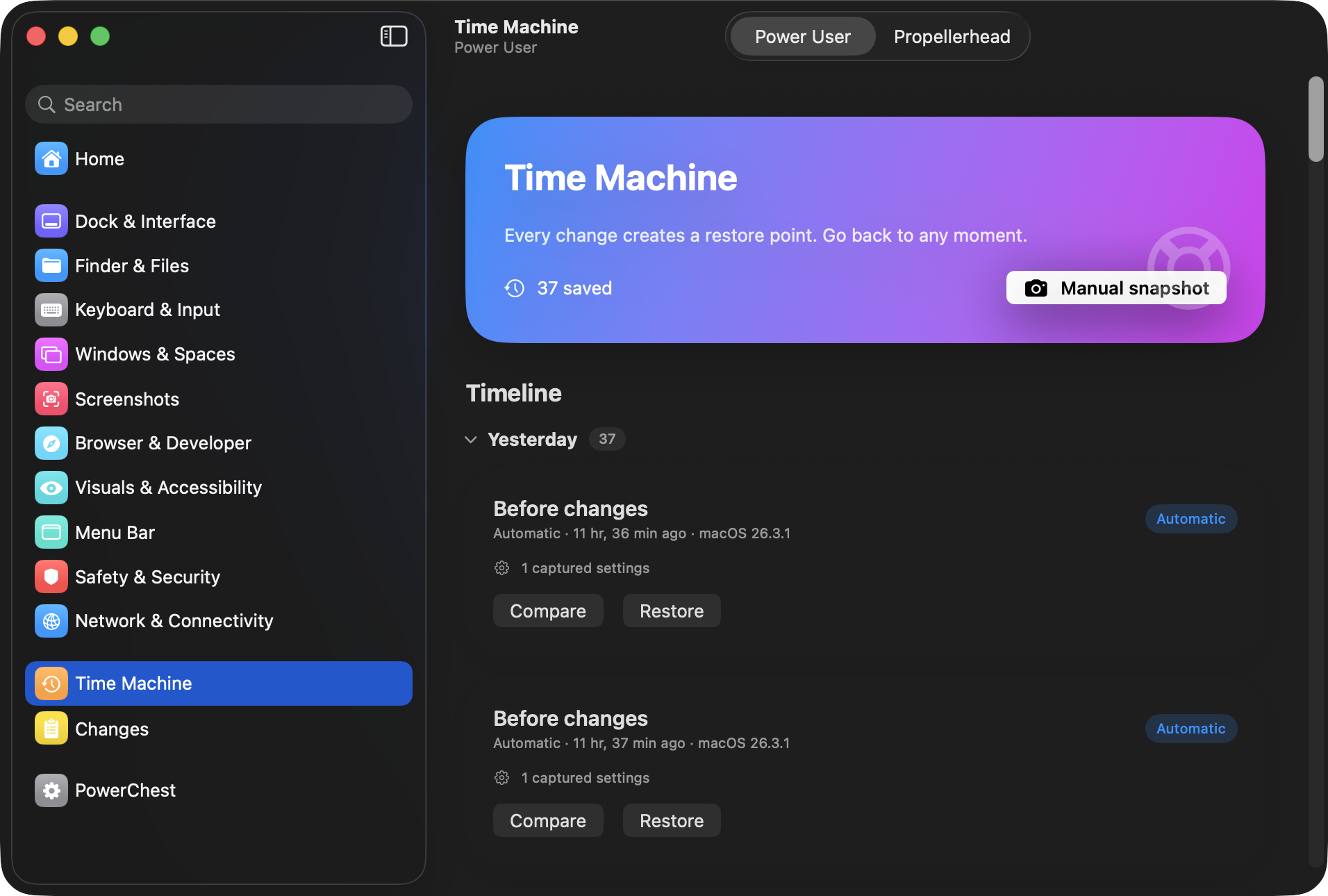
Stop Time Machine disk prompts
🌐 Network & Connectivity
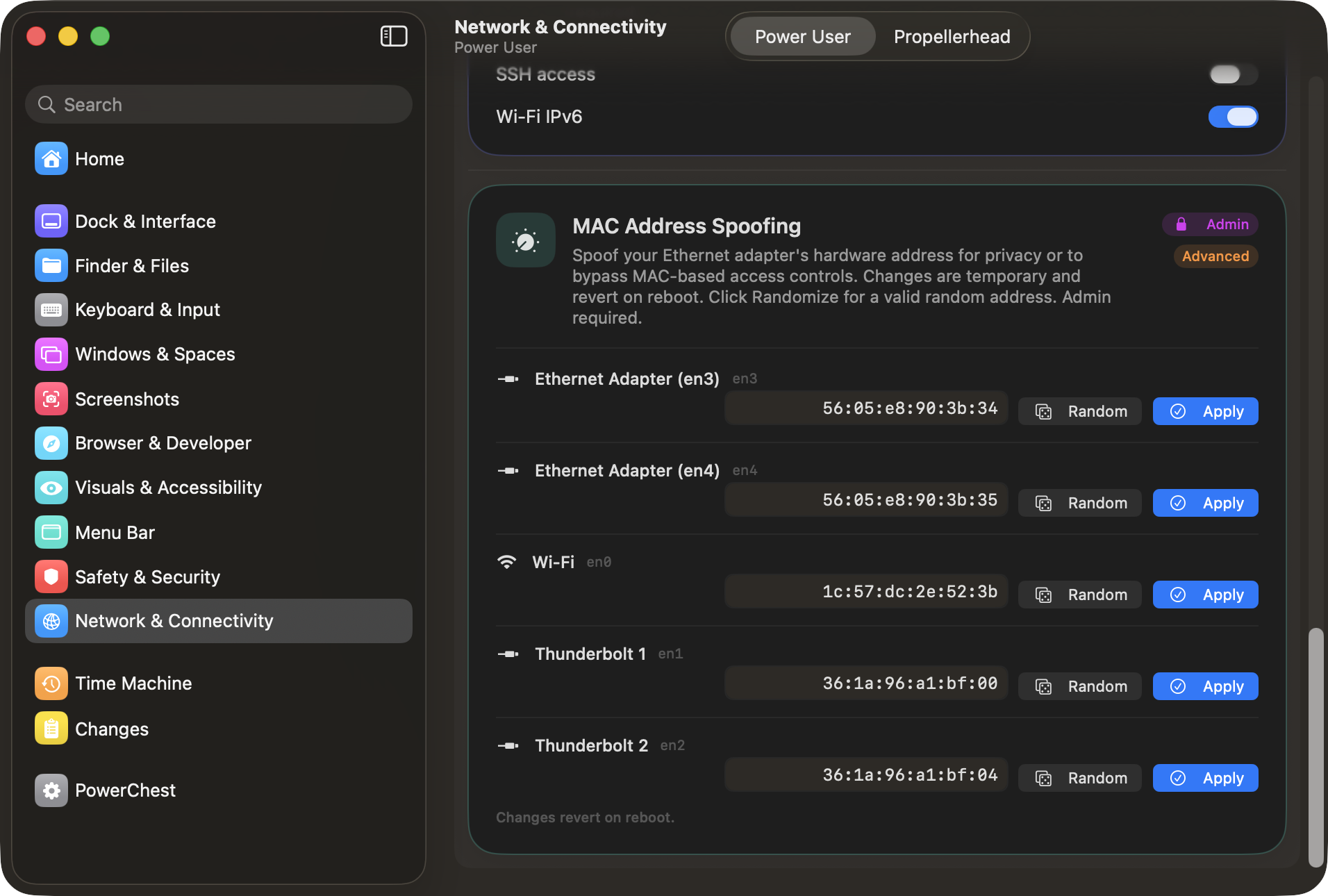
Firewall, DNS privacy, AirDrop, Bluetooth, MAC addresses, and remote access. Some settings require admin.
Application firewall
Firewall stealth mode
Block all incoming connections
Safari DNS prefetching
Safari preload top hit
Send Do Not Track header
Captive portal detection
Disable AirDrop
Bluetooth audio bitpool quality
Remote Login (SSH)
IPv6 on Wi-Fi
MAC address spoofing
💻 Apps & Developer
TextEdit, Help Viewer, Activity Monitor, Xcode, Terminal, and Safari developer tools.
TextEdit plain text mode
Help Viewer non-floating
Activity Monitor dock icon
Activity Monitor process filter
Activity Monitor update frequency
Xcode build duration
Terminal focus follows mouse
Safari full URL
Safari developer menu
Stop auto-opening downloads
Show link URLs in Safari
⚙ Internals
Low-level process behavior and system resource management.
Disable App Nap
Stop auto-terminating idle apps
📦 Config Portability
Take your setup with you. PowerChest exports your entire configuration as a portable .powerchestprofile file you can import on any other Mac.
Export current config to file
Import config from another Mac
Diff preview before importing
Reset all settings to macOS defaults
Auto-snapshot before import
Share configs with your team
Set up one Mac exactly how you like it, export the profile, and apply it to your next machine in seconds. The import screen shows a side-by-side diff of exactly what will change before you commit — no surprises.